
This article explains how to empty only the Trash of mailboxes with a cPanel cron job. In Roundcube, Delete sends the message to the Trash. It keeps taking up space there until that folder is emptied.
What is it for?
The cron checks the Trash of all mailboxes in the account every day and deletes anything older than the time you specify. The example below leaves the last 5 days and deletes the rest.
- It only acts on the Trash folder, saved on the server as
.Trash. - The inbox, Sent, and the rest of the folders remain the same.
- A crossed-out message in the inbox does not enter this deletion: it has to be in the Trash first.
Important: what this cron deletes cannot be recovered. The command must point to .Trash. If that part of the path is changed, it can delete mail that is still in use. The time is the server time.
Access: log in to cPanel from the client portal → Log in to cPanel, or at https://yourdomain.com/cpanel.
Create the job
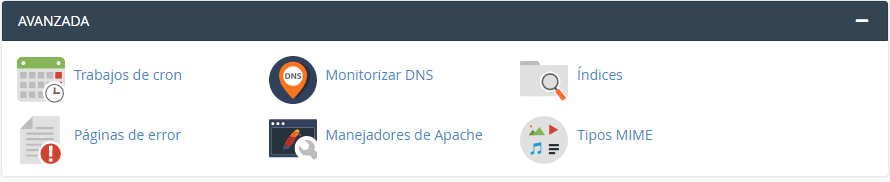
- Open Advanced → Cron Jobs.
- In Common Settings, choose one execution per day.
- To run it at 4:00, leave Minute at
0, Hour at4, and Day, Month and Weekday at*. - In Command, paste this line. The
5is the days they are kept.
/usr/bin/find "$HOME/mail" \( -path '*/.Trash/cur/*' -o -path '*/.Trash/new/*' \) -type f -mtime +5 -delete

- Click on Add New Cron Job.
To empty the entire Trash on each execution, remove -mtime +5 from the line and leave the rest the same. $HOME is the hosting account: the cron goes through the mailboxes of all domains in that account.
-mtime +5 deletes a file from the Trash when more than 5 24-hour days have passed since it entered there. A message deleted yesterday remains until reaching that deadline.
Common issues
- The inbox is still full: those messages are not in the Trash. This cron doesn't see them.
- I deleted an email today and it is still in the Trash: with
+5it waits for it to exceed 5 days. To empty all of it on each pass, remove-mtime +5. - Space was not freed instantly: the file was already deleted. The account usage indicator updates when the system measures it again.
- A cron mail arrives with an error: the command has to be in a single line and the path has to keep saying
.Trash. - It ran at another time: the
4hour is the server time. If you chose the common settings and didn't change Hour, it stays at 0:00.
If the job appears loaded and the Trash is not emptied on the next pass, open a ticket from the client portal or consult through the site's online chat.